Choose your audio
Select a supported audio file, or drag it into the upload area above.
Remove vocals with state-of-the-art AI models.
Click or drag an audio file here
Supported formats: MP3, WAV, FLAC, M4A, OGG
Supports MP3/WAV/FLAC/M4A/OGG, up to 50MB
Vocal separation produces the complete vocal track and an instrumental track. Acapella extraction keeps the vocal output; removing vocals keeps the instrumental. These are different ways to use the same two-track separation.
Vocal separation produces the complete vocal track and an instrumental track. Acapella extraction keeps the vocal output; removing vocals keeps the instrumental. These are different ways to use the same two-track separation.
Upload MP3, WAV, FLAC, M4A or OGG within the displayed limits (currently 50 MB). Separation may leave bleed or artifacts. Keep a local copy of your results: server storage is temporary. Available download formats are shown for each task.
New accounts currently receive 10 trial credits. Processing consumes credits; additional credits are sold as one-time packs. Check the pricing page and task cost before submitting; the service is not unlimited free processing.
Remove vocals with state-of-the-art AI models.
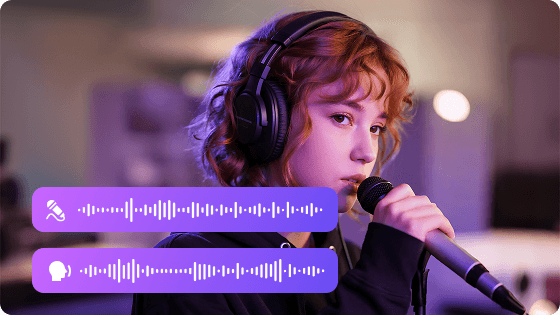
Select a supported audio file, or drag it into the upload area above.
Choose an output format and sign in to process. The model is selected for this tool.
Preview the processed tracks and download them from the task result page.
Remove vocals with state-of-the-art AI models.
Supports MP3/WAV/FLAC/M4A/OGG, up to 50MB
Sign in to process audio. Follow task progress, preview the result, and download your tracks.
Supports MP3/WAV/FLAC/M4A/OGG, up to 50MB
Sign in to process audio. Follow task progress, preview the result, and download your tracks.
Preview the processed tracks and download them from the task result page.